Open source · MIT license
Open-Source AI Video Generator
Reels, promo videos and tutorials built from your website, with AI voiceover, music and captions. Rendered on your own server, with code you can read.
Examples
Open-source video generator examples
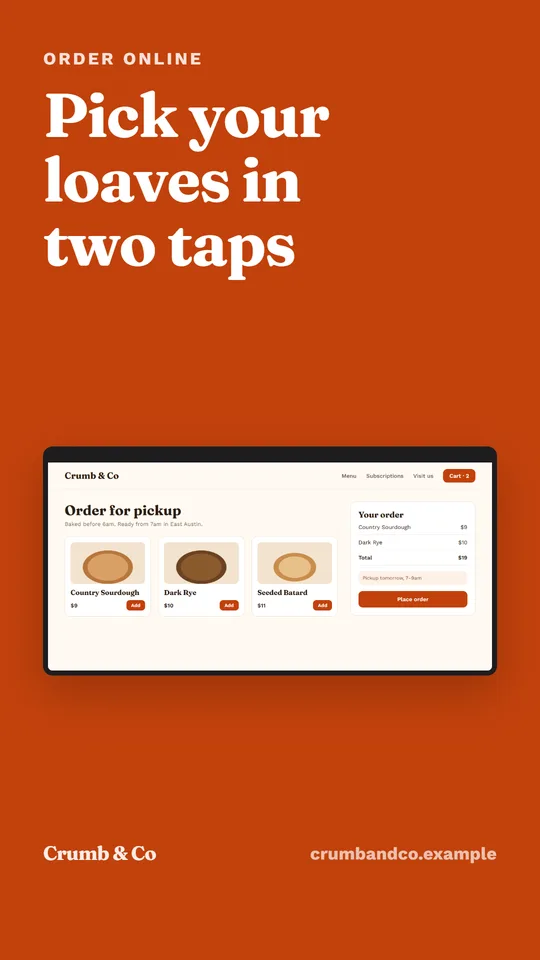
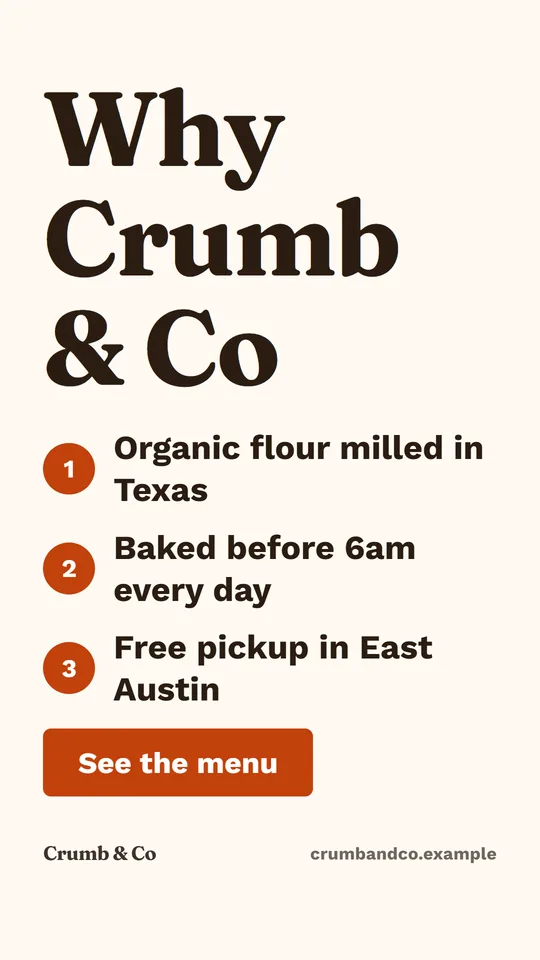
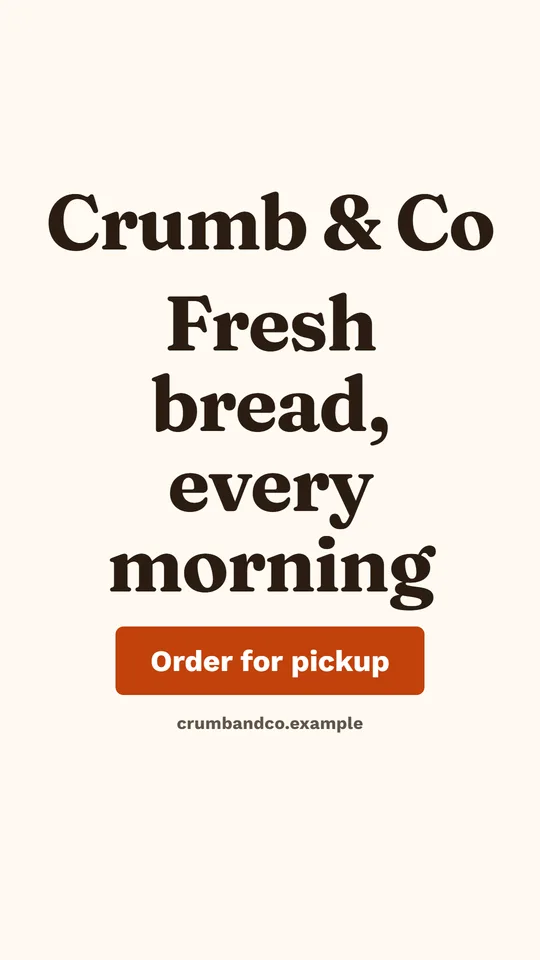
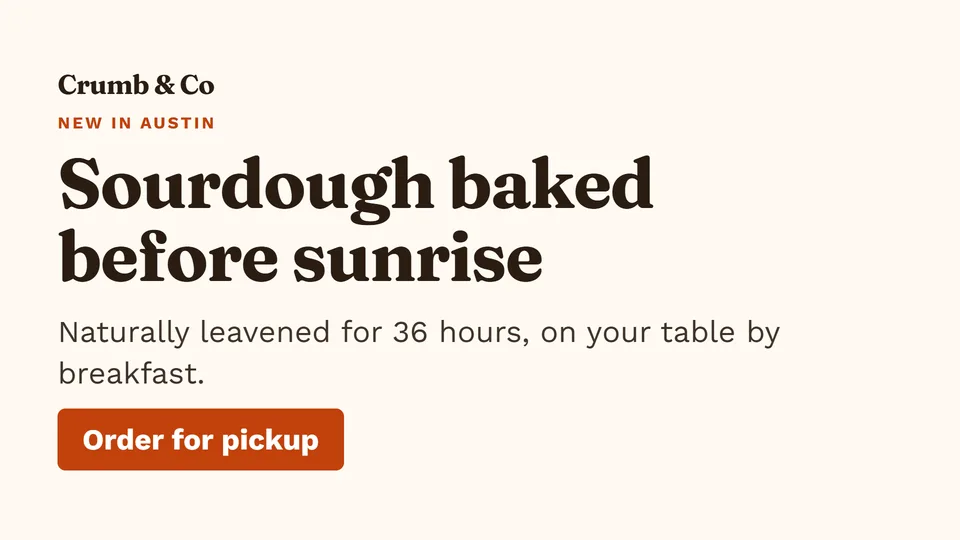
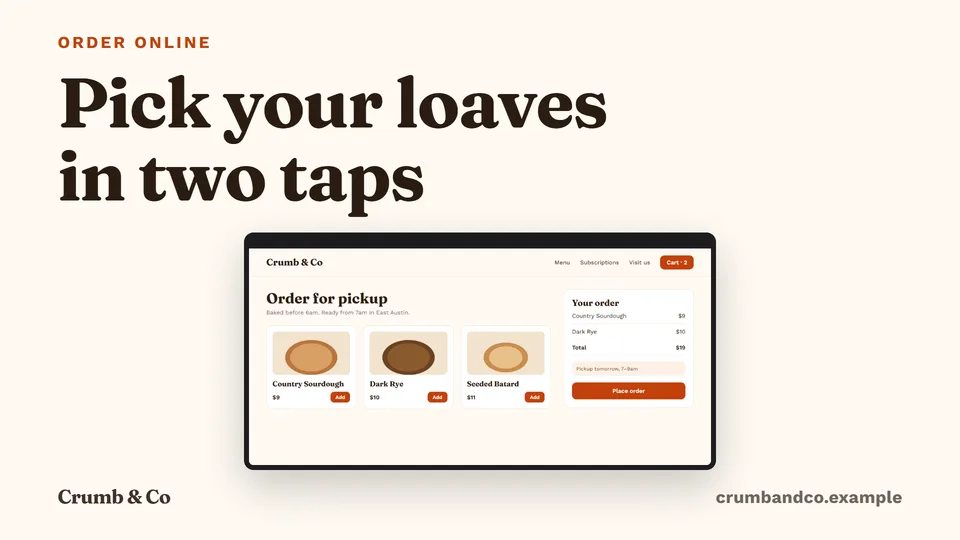
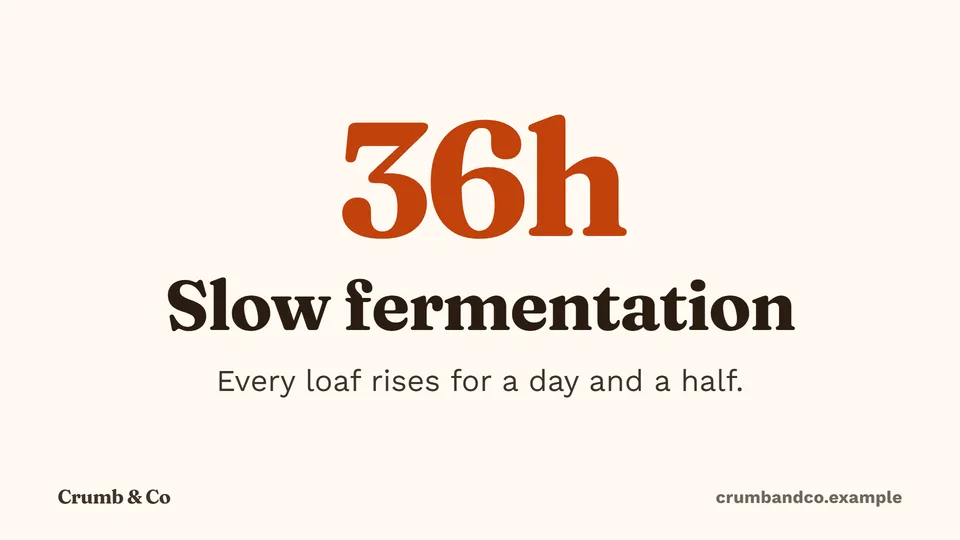
Stills from a reel and a promo video made for Crumb & Co, a fictional bakery. In the videos, captions appear word by word over each scene.


What it makes
AI video for reels, promos and tutorials
Reels
9:16 videos for Instagram Reels, TikTok and YouTube Shorts, with a hook in the first two seconds and word-by-word captions.
AI reel generatorPromo videos
16:9, 1:1 or 9:16 videos about your business, written from your selling points and shown with your own screens.
URL to videoTutorials
Getting-started videos with one step per scene, from your product’s own screenshots, narrated.
Product demo video maker
How it renders
How the video generator renders
No hidden model makes the whole video. Each step is plain, open code you can run and change.
- 1
A storyboard, not a black box
Each video is a list of scenes: layout, on-screen text, picture, narration and duration. You can edit every field.
- 2
Checks before rendering
A missing hook or call to action, voiceover pace, reading time, hype words and figures not found on your website are flagged.
- 3
Scenes as HTML and CSS
Ten scene layouts are rendered as web pages in headless Chrome, with your brand fonts and colors.
- 4
Video with Hyperframes and FFmpeg
Hyperframes (Apache-2.0) turns the scenes into frames, and FFmpeg adds voice, music and captions and writes the MP4.
- 5
Files you keep
Each render gives an MP4, a poster thumbnail and an SRT caption file, saved in your library.
Where AI fits
AI video layers, never AI text
Garbled lettering is the usual giveaway of AI video. OpenPromo keeps text out of the models’ hands.
What AI makes
- Reads your website and writes the script
- Voiceover for each scene
- A music bed
- Optional backdrop pictures
- Optional B-roll clips
What AI never does
- Draws your text: headlines and captions are real text in your fonts
- Invents figures: claims not found on your site are flagged
- Changes your logo or colors
Self-host
Self-host the video generator
The Docker image includes Chrome, FFmpeg and the fonts it needs. One command starts everything.
- Docker and about 2 vCPU and 4 GB of memory for video rendering
- Media files in a Docker volume (MEDIA_DIR), backed up like any folder
- One render at a time by default; raise RENDER_CONCURRENCY on bigger servers
git clone https://github.com/duckduckdeploy/openpromo.git openpromo
cd openpromo
cp .env.example .env
# In .env, set two secrets:
#   AUTH_SECRET=     any 32+ random characters
#   ENCRYPTION_KEY=  output of: openssl rand -base64 32
docker compose up -d --build
# Dashboard http://localhost:3200 · site :3101 · API and MCP :4100
What it costs
AI video generator cost per video
OpenPromo charges nothing. AI calls go to your own YepAPI key, at YepAPI’s prices at the time of writing. A 30-second reel with voice and music is usually $0.15 to $0.50.
| Action | Price | |
|---|---|---|
| Write a videoScenes, on-screen text and narration | Scenes, on-screen text and narration | $0.02 – $0.08 |
| VoiceoverPer scene | Per scene | about $0.01 |
| Music bedPer video | Per video | $0.08 |
| AI pictureOnly if used | Only if used | $0.04 – $0.20 each |
| AI video clipOnly if used, per second | Only if used, per second | about $0.11 |
| RenderingOn your server or the hosted app | On your server or the hosted app | $0 |
Generated pieces are kept, so rendering again after an edit only pays for what is new. Costs and limits
Your AI key
Start with $5 of free AI credit
The AI work in OpenPromo (reading your site, writing, voices, music and AI pictures) runs on your own YepAPI key. Sign up at YepAPI and get $5 in free credit, for a limited time. That is enough to try every tool.
- 1
Sign up at YepAPI
New accounts get $5 in free credit, for a limited time.
- 2
Copy your API key
It is on your YepAPI dashboard once you sign in.
- 3
Paste it into OpenPromo
In Settings. Set a monthly spending limit there too.
The free credit is YepAPI’s limited-time offer and may end. After it, you pay YepAPI per use at its price. OpenPromo logs every call with its cost, and a monthly limit caps what you spend. See pricing
FAQ
Open-source AI video generator FAQ
Is OpenPromo really open source?
Yes. The app is MIT licensed, and the video renderer it uses, Hyperframes, is Apache-2.0. Everything runs on your server: headless Chrome, FFmpeg, Postgres and the app itself.
Is it an open-source video generator without AI?
Partly. The layouts, text and rendering are plain templates that need no AI. AI writes the script and makes the voice and music, and optional pictures and clips, through your own YepAPI key.
Which AI models does it use?
Models for writing, voice, music, pictures and clips are called through YepAPI with your own key. Each call is logged with its price in Settings and usage.
How long does a render take?
It depends on the length of the video and your server’s CPU. Renders run in the background with a progress bar, so you can keep working.
Your brand, your server, your media.
Start online in a minute, or run OpenPromo on your own server. It is open source either way.