Product Demo Video Maker
Show how your product works, one step at a time.
Make getting-started tutorials and product demos: one step per scene, from your own product screenshots, narrated.
Examples
Tutorial video maker example scenes
Stills from a tutorial in 16:9 and 9:16. Scenes with screenshots show your product in a device frame. Made with OpenPromo’s templates for Crumb & Co, a fictional bakery.
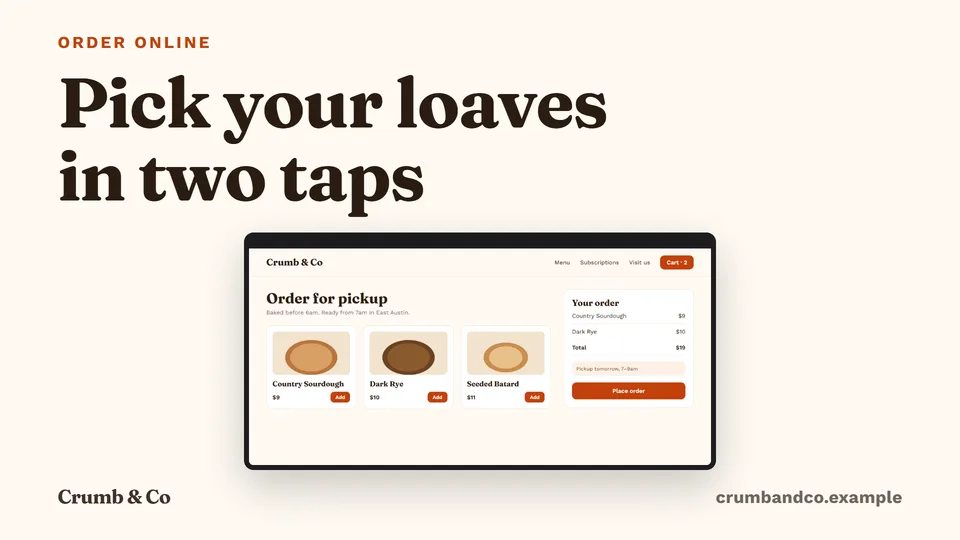
Landscape video · 16:9 · 1920×1080 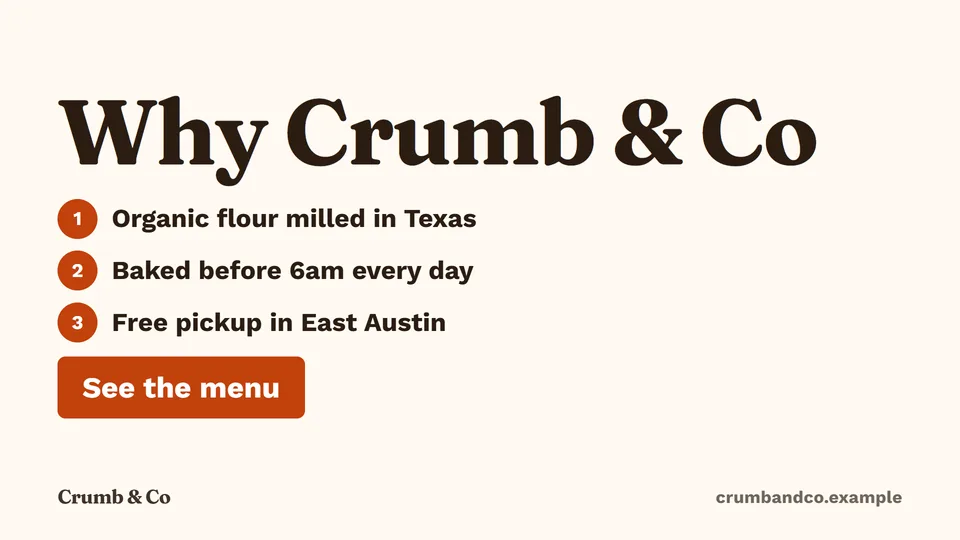
Landscape video · 16:9 · 1920×1080 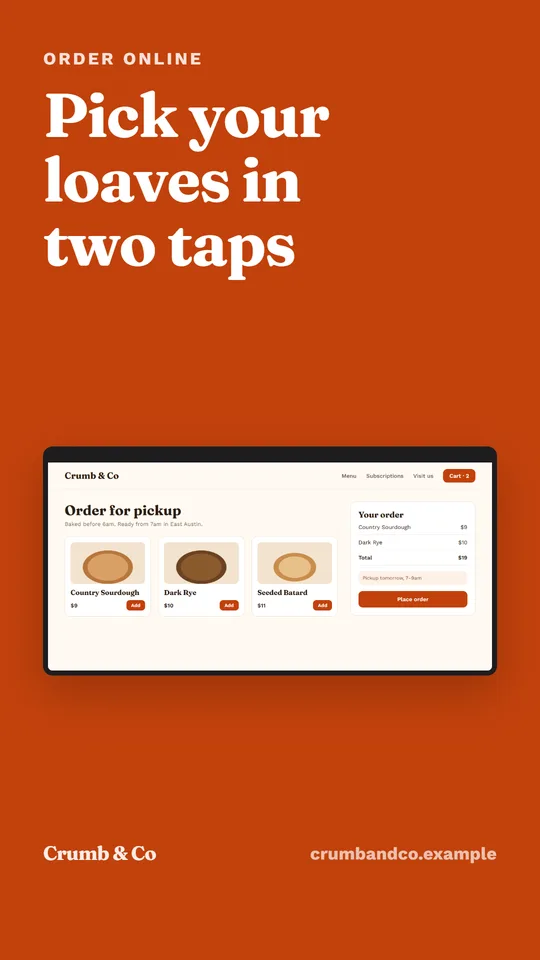
Story / reel · 9:16 · 1080×1920
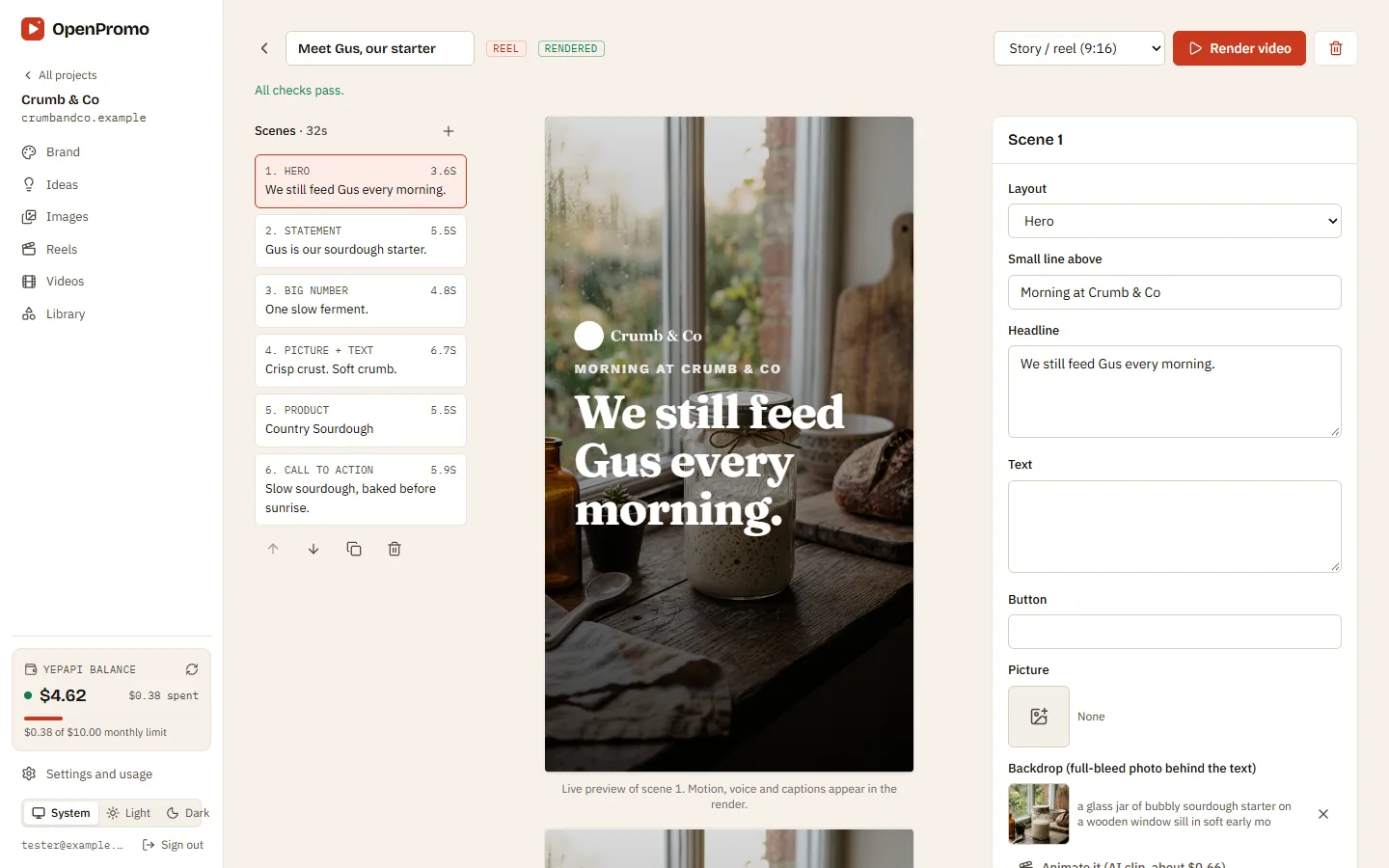
How it works
How the product demo video maker works
- 1
Pick a flow
The brand profile lists getting-started flows read from your website. Pick one or describe your own.
- 2
One step per scene
Each step gets a scene with a short instruction and the matching screenshot.
- 3
Narration explains each step
The voiceover says what to do in plain words, and captions follow it.
- 4
Render in 16:9 or 9:16
Landscape for help pages and YouTube, vertical for social.
What you can do
Tutorial video maker features
Your own screenshots
Uses screenshots from your website and any you upload, in a device frame.
Explainer video maker
Works for short explainers too: what it is, how it helps, how to start.
Reading-time checks
Each step stays on screen long enough to read, and the voice pace is checked.
Captions and SRT
Every render comes with captions and an SRT file for your video host.
What it costs
Product demo video cost
OpenPromo charges nothing. AI calls are billed to your own YepAPI key at YepAPI’s prices, shown here at the time of writing. Settings and usage lists every call with its cost.
| Action | Price | |
|---|---|---|
| Write the tutorialSteps, scenes and narration | Steps, scenes and narration | $0.02 – $0.08 |
| VoiceoverPer scene | Per scene | about $0.01 |
| Music bedOptional, per video | Optional, per video | $0.08 |
| ScreenshotsFrom reading your site, or your uploads | From reading your site, or your uploads | $0 |
OpenPromo is an early project in active development. Parts of what this page describes may change.
Your AI key
Start with $5 of free AI credit
The AI work in OpenPromo (reading your site, writing, voices, music and AI pictures) runs on your own YepAPI key. Sign up at YepAPI and get $5 in free credit, for a limited time. That is enough to try every tool.
- 1
Sign up at YepAPI
New accounts get $5 in free credit, for a limited time.
- 2
Copy your API key
It is on your YepAPI dashboard once you sign in.
- 3
Paste it into OpenPromo
In Settings. Set a monthly spending limit there too.
The free credit is YepAPI’s limited-time offer and may end. After it, you pay YepAPI per use at its price. OpenPromo logs every call with its cost, and a monthly limit caps what you spend. See pricing
Product Demo Video Maker FAQ
Does it record my screen?
No. It builds the video from screenshots: the ones taken when your website was read and any you upload. Upload screenshots of logged-in screens yourself.
Can I change a step later?
Yes. Edit the scene text, picture or narration and render again. Unchanged voice lines are reused, so only new pieces cost anything.