Instagram Post Generator
Posts in your fonts and colors, written from your own website.
Make Instagram, Facebook and LinkedIn posts in square 1:1, portrait 4:5 and story 9:16, from an idea or a short brief.
Examples
Instagram post examples by format
Square, portrait and story posts from the same brand profile, in the clean and bold looks. Made with OpenPromo’s templates for Crumb & Co, a fictional bakery.
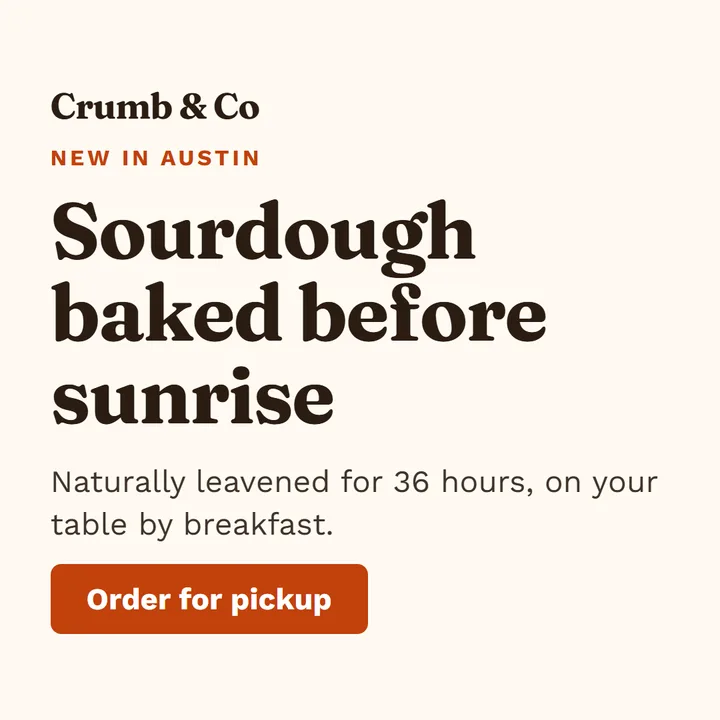
Square post · 1:1 · 1080×1080 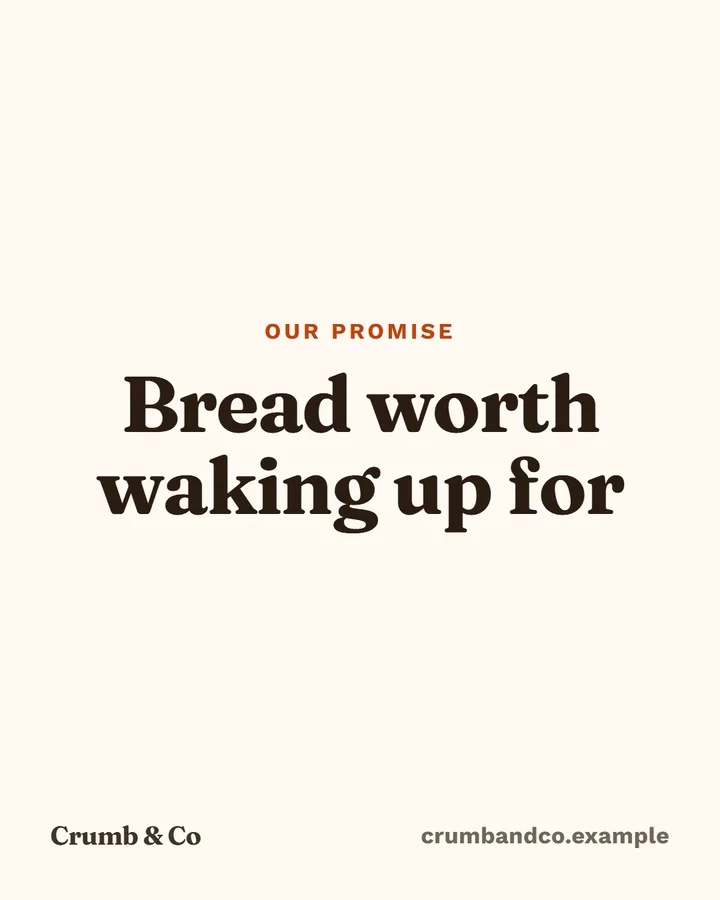
Portrait post · 4:5 · 1080×1350 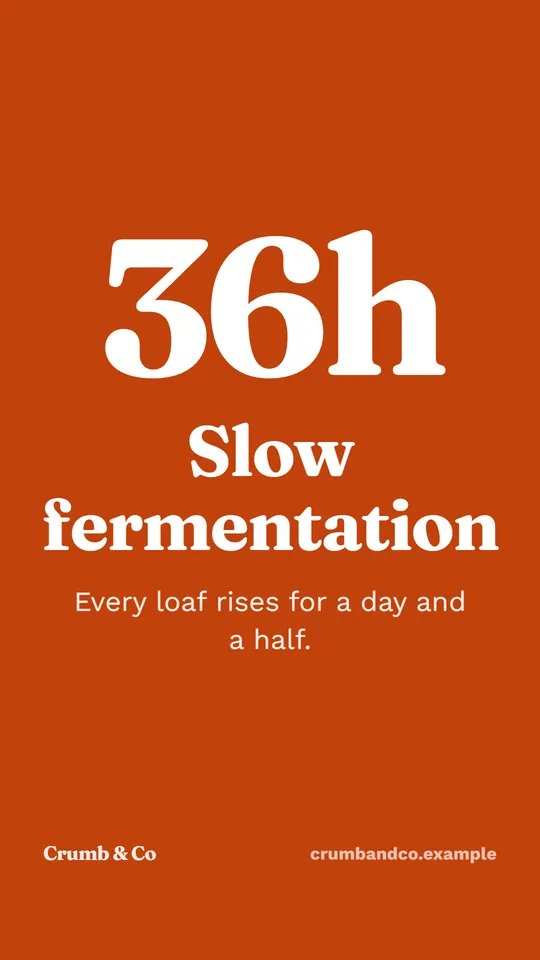
Story / reel · 9:16 · 1080×1920 
Square post · 1:1 · 1080×1080 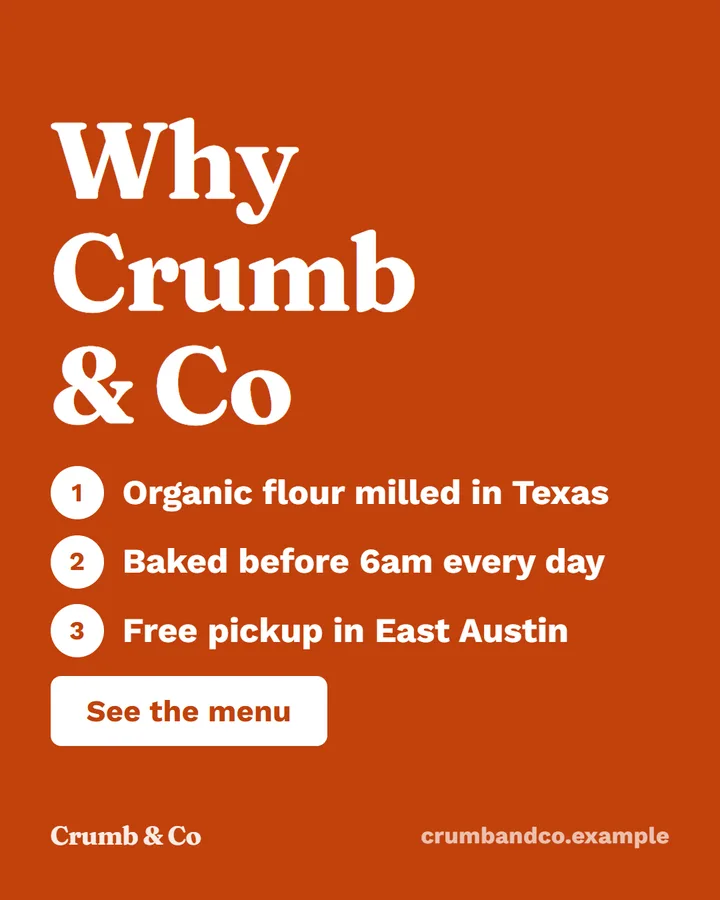
Portrait post · 4:5 · 1080×1350 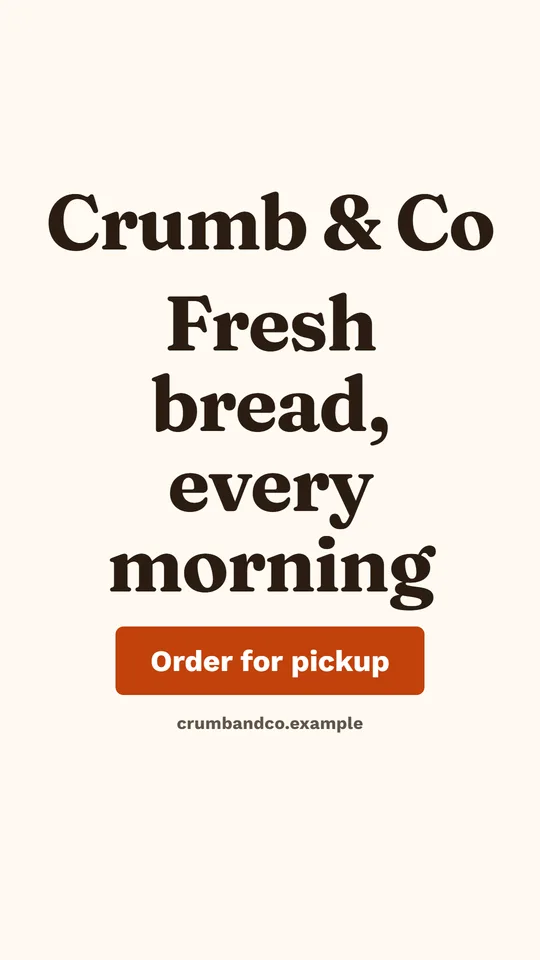
Story / reel · 9:16 · 1080×1920
How it works
How the Instagram post generator works
- 1
Pick an idea or write a brief
Start from a post idea or a sentence about what to say. The writer uses your selling points and voice.
- 2
It picks a layout
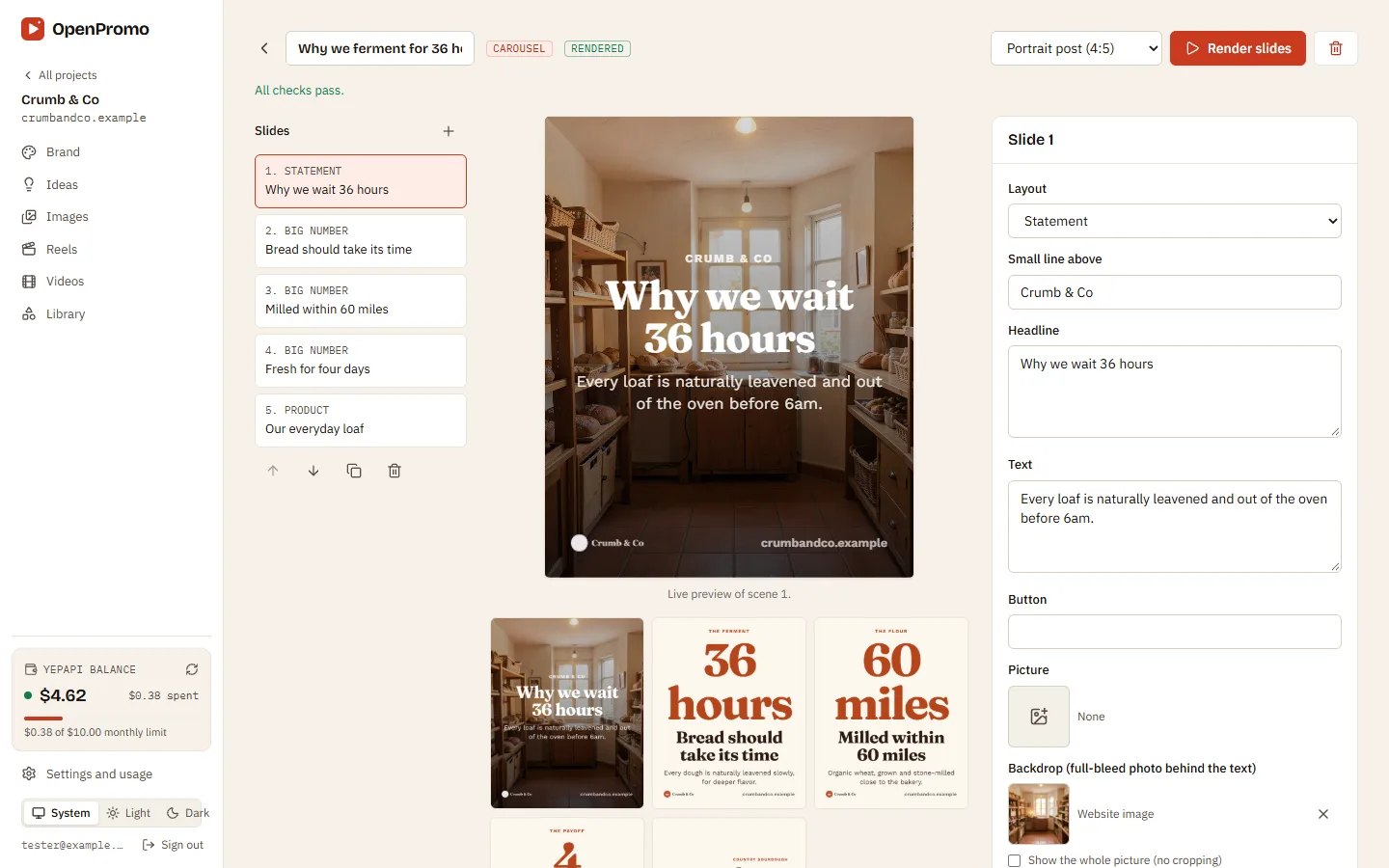
Hero, statement, big number, list, quote, product, offer or call to action, in the clean, bold or photo look.
- 3
Checks run before you render
Hype words, figures not found on your website, reading time and a missing call to action are flagged.
- 4
Render and download
Edit the text with a live preview, then render a PNG. Re-render another size from the same post.
What you can do
AI Instagram post generator features
Real text, never drawn by AI
Headlines are real text set in your brand fonts, so there is no garbled lettering. AI only makes backdrop pictures, when you want one.
Text that always fits
A fit pass shrinks text until nothing overflows, in every format.
Readable colors
Color pairs below WCAG AA contrast are fixed automatically.
Every feed size
Square 1:1 and portrait 4:5 for the feed, story 9:16, and the same post for Facebook and LinkedIn.
Caption and hashtags
Each post comes with a caption and hashtags you can edit and copy.
Your pictures first
Website screenshots, product photos and uploads come before AI pictures. AI pictures are optional.
What it costs
Instagram post generator cost
OpenPromo charges nothing. AI calls are billed to your own YepAPI key at YepAPI’s prices, shown here at the time of writing. Settings and usage lists every call with its cost.
| Action | Price | |
|---|---|---|
| Write a postOne writing call: text, layout and caption | One writing call: text, layout and caption | $0.02 – $0.08 |
| Render the imagePNG from the template, any size | PNG from the template, any size | $0 |
| AI backdrop pictureOnly if a scene asks for one | Only if a scene asks for one | $0.04 – $0.20 each |
| Edit and render againOnly new AI pieces are paid | Only new AI pieces are paid | $0 |
OpenPromo is an early project in active development. Parts of what this page describes may change.
Your AI key
Start with $5 of free AI credit
The AI work in OpenPromo (reading your site, writing, voices, music and AI pictures) runs on your own YepAPI key. Sign up at YepAPI and get $5 in free credit, for a limited time. That is enough to try every tool.
- 1
Sign up at YepAPI
New accounts get $5 in free credit, for a limited time.
- 2
Copy your API key
It is on your YepAPI dashboard once you sign in.
- 3
Paste it into OpenPromo
In Settings. Set a monthly spending limit there too.
The free credit is YepAPI’s limited-time offer and may end. After it, you pay YepAPI per use at its price. OpenPromo logs every call with its cost, and a monthly limit caps what you spend. See pricing
Instagram Post Generator FAQ
Is this an AI social media post generator?
Yes. AI writes the post from your brand profile and picks a layout. The design itself is a template rendered in a browser, so text is sharp and in your own fonts.
Can I use my own photos?
Yes. Upload them to the library, or use the screenshots taken from your website. They are used before any AI picture.
Does it post to Instagram for me?
Not yet. You download the image and caption and post them yourself, or hand them to your scheduler.