DocsStart here
Getting started with OpenPromo
Get started with OpenPromo: add your YepAPI key, set a spending limit, add your website, check the brand profile and make your first post or reel.
This guide covers the hosted app. To run OpenPromo on your own machine instead, see Self-hosting; the steps after installing are the same.
OpenPromo is open-source software and charges nothing. The AI work (reading your website, writing, voices, music and AI pictures) runs on your own YepAPI key, and YepAPI bills each call to it. A monthly limit in Settings caps what you spend.
Create a YepAPI account
Sign up at yepapi.com and get $5 in free credit, for a limited time. Then copy your API key from the YepAPI dashboard.
Create an OpenPromo account
Sign up for OpenPromo. The account is free.
Add your key and a spending limit
Open Settings, paste your YepAPI key and save. OpenPromo checks the key and stores it encrypted. Set a monthly spending limit on the same page: any call whose price would cross it is refused.
Add your website
Create a project with your website address. OpenPromo opens a handful of pages in headless Chrome, takes screenshots and builds your brand profile. It takes about a minute and costs about $0.05 to $0.15.
Check the brand profile
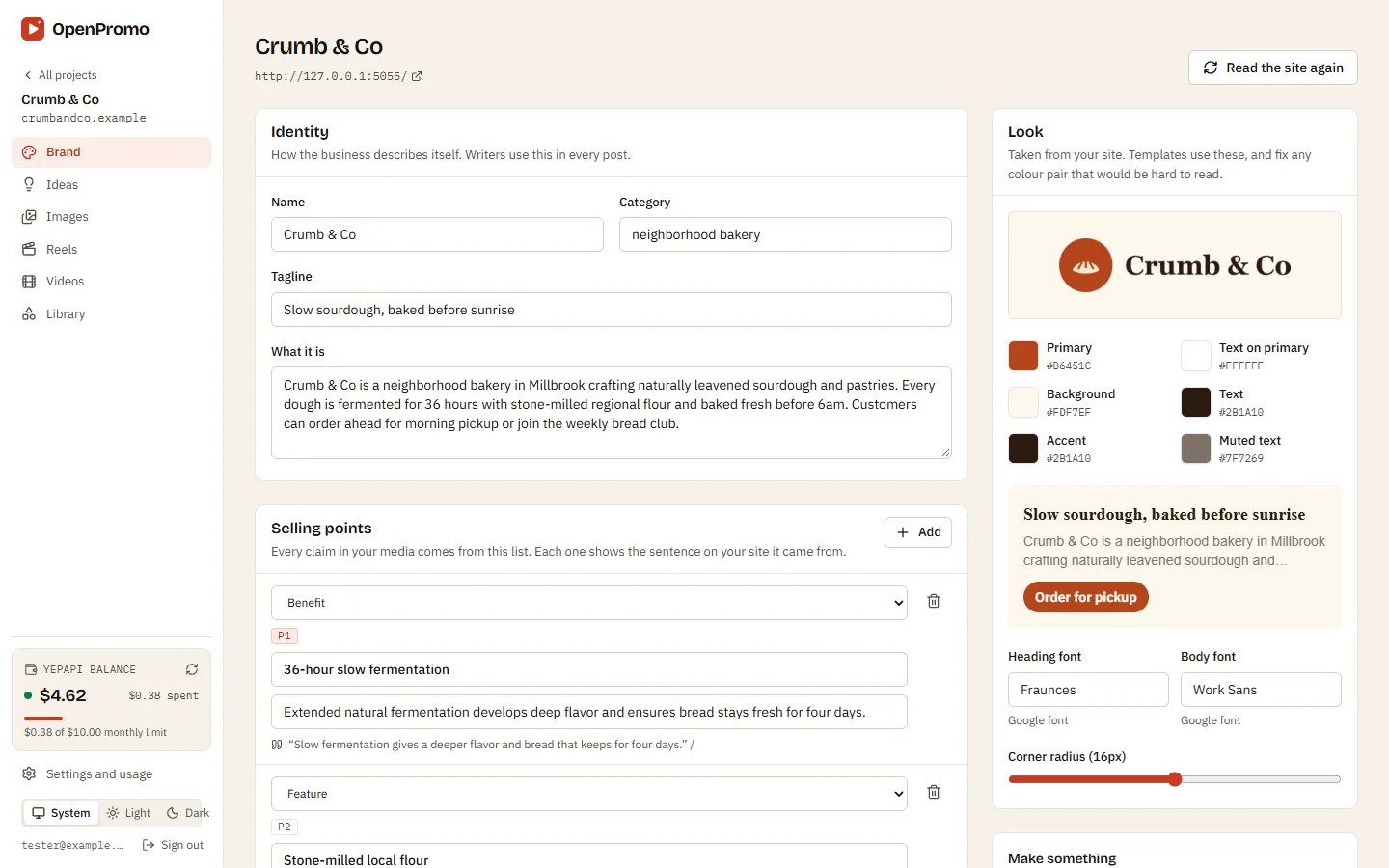
Read what OpenPromo found: what you do, who it is for, your voice and selling points, each with the sentence and page it came from, plus colors, fonts, logo and products. Fix anything that is wrong. Your edits are kept when the site is read again.
Make your first post or reel
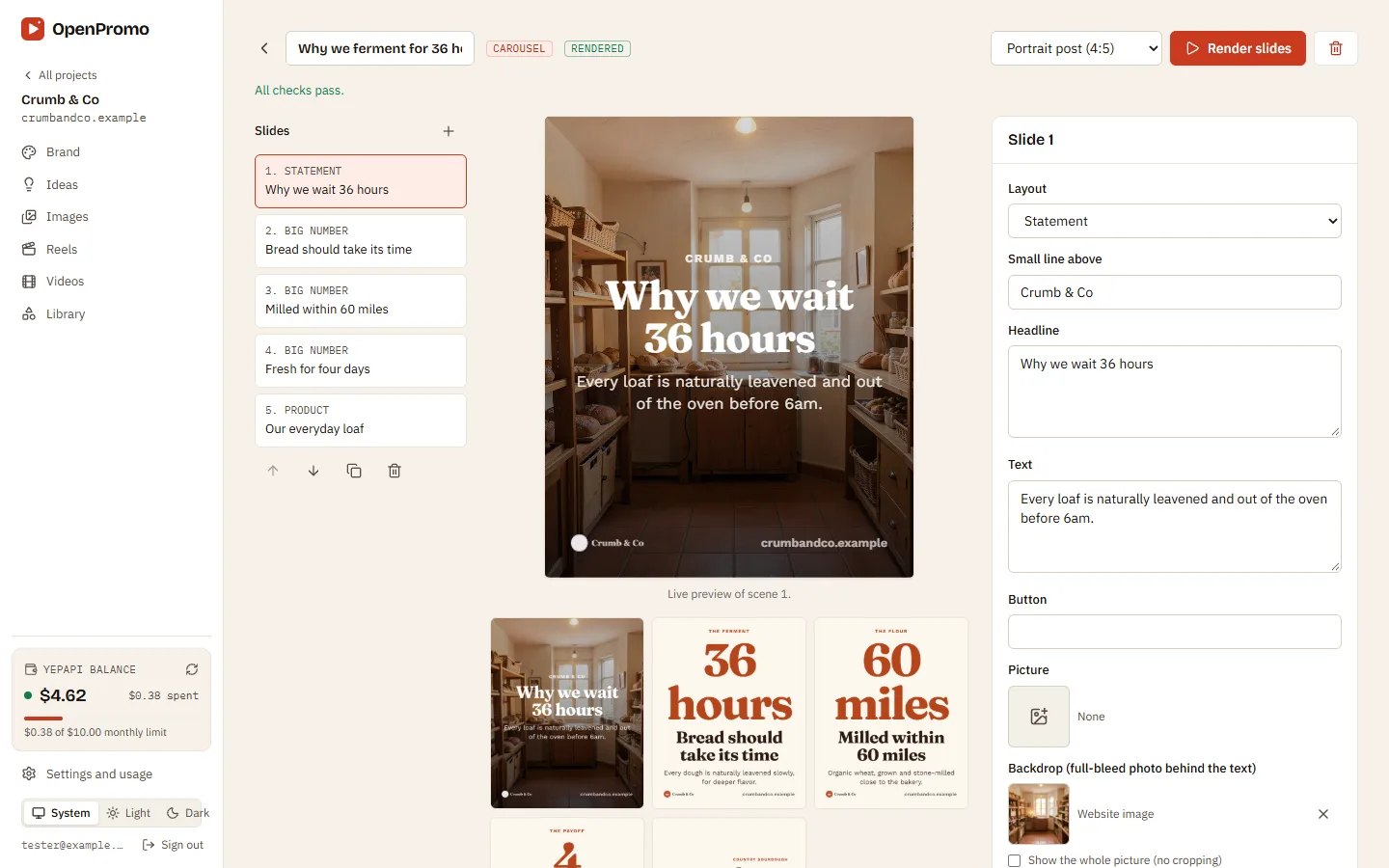
Open Ideas and write a batch of post ideas, or start from a short brief. Click Make it on an idea, check the warnings, edit the text with the live preview, then render. Images cost nothing to render unless they use an AI picture; a 30-second reel is usually $0.15 to $0.50.
Next steps after setup
- How OpenPromo works: projects, brand profiles, creations, checks and rendering.
- Costs, caching and limits: what each action costs and how not to pay twice.
- Connect an agent over MCP so Claude, ChatGPT or Cursor can make media for you.